Anthropic
Claude
Your Claude subscriptionor an Anthropic API key
Tell AppMama what you want in a sentence. It writes the app, puts it together and installs it on your home screen — all on the phone in your hand. No computer, no coding, no new subscription.
 On a computer?
works with the AI you already use
the idea
If you can describe it, you can have it.
Most people have an app-sized idea and no way to make it — a tracker that works the way they think, a tool for one job nobody sells. You already pay an AI to write things for you. AppMama lets it hand you a finished app instead of instructions for someone else to follow.
how it works
You talk, it builds. Nothing is sent off to a computer somewhere else, because the whole job happens on your device.
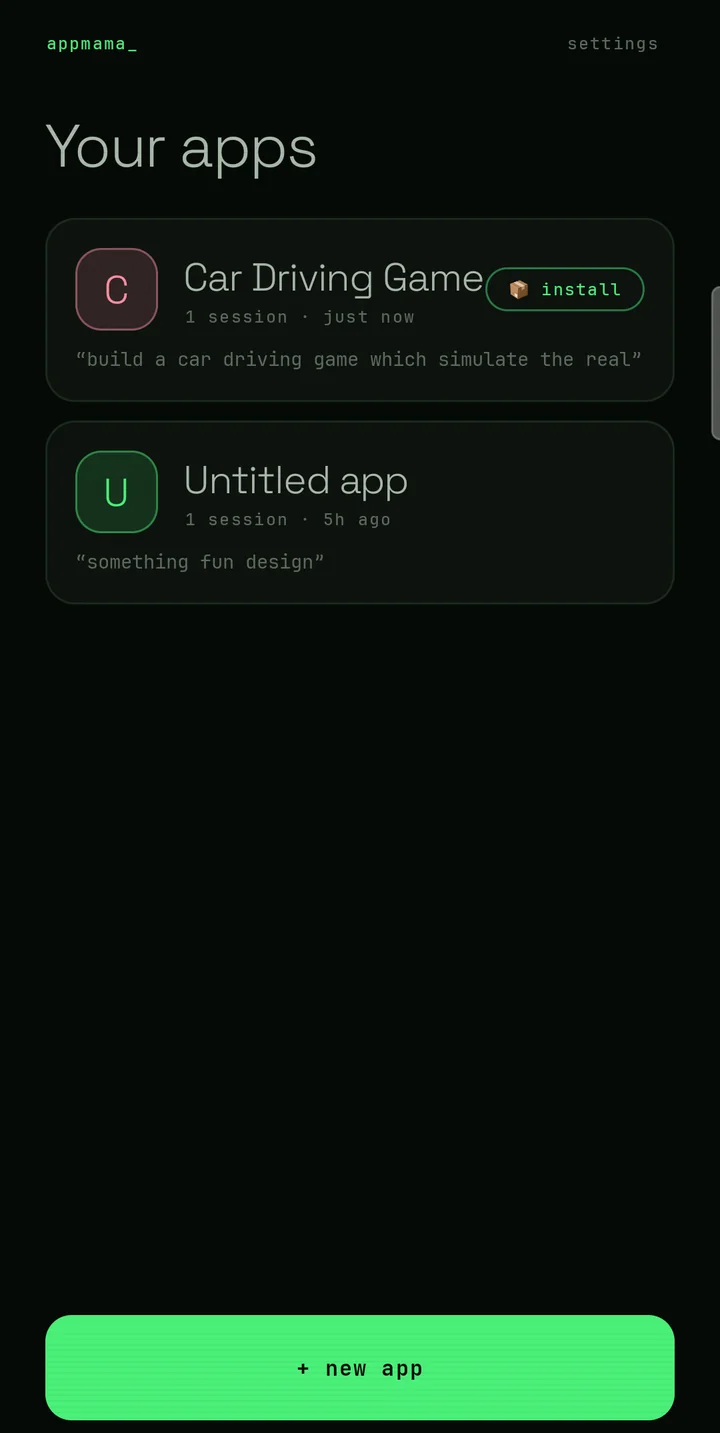
step 1 of 4
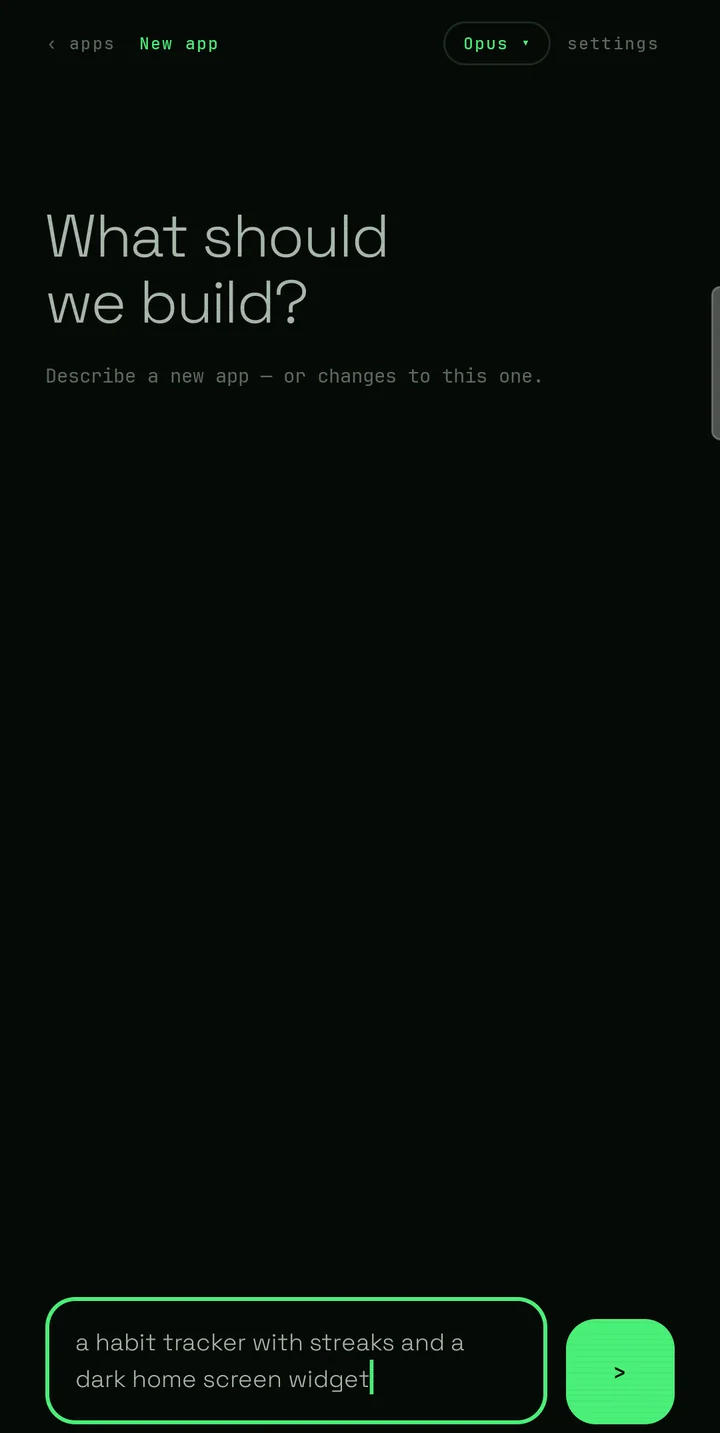
A habit tracker with streaks and a dark home screen widget.
Everyday words are enough. You don't need to know what an app is
made of, and there's nothing to set up first.
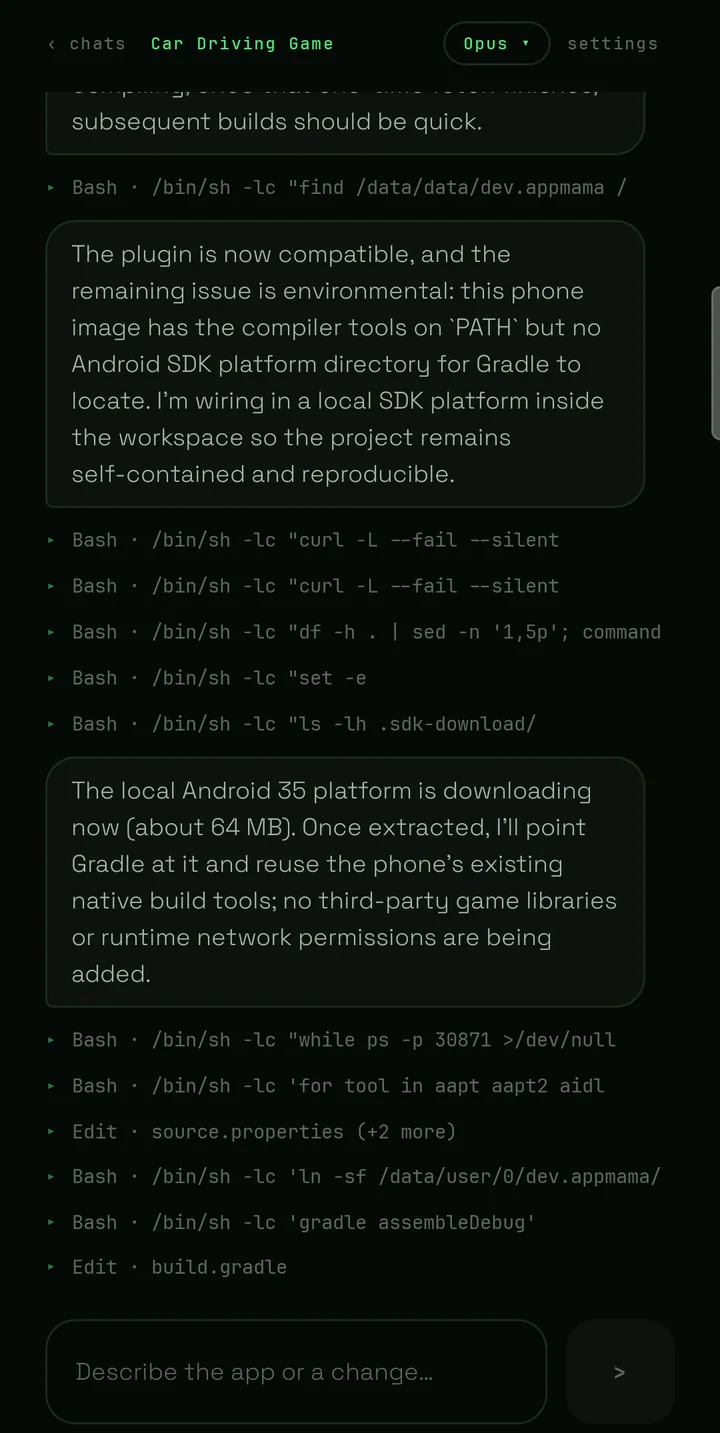
step 2 of 4
Your AI writes the app and your phone assembles it into the real thing. It takes a few minutes — watch every step, or put the phone down and come back.
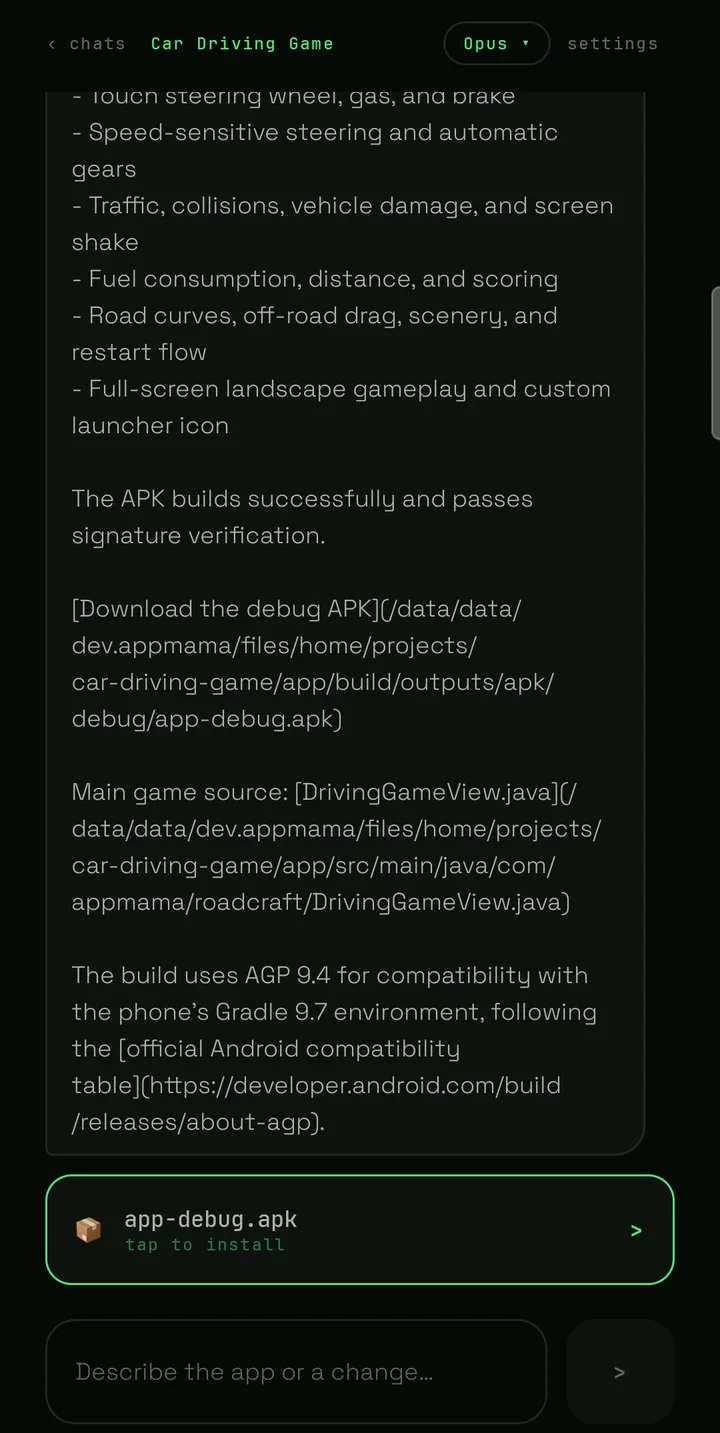
step 3 of 4
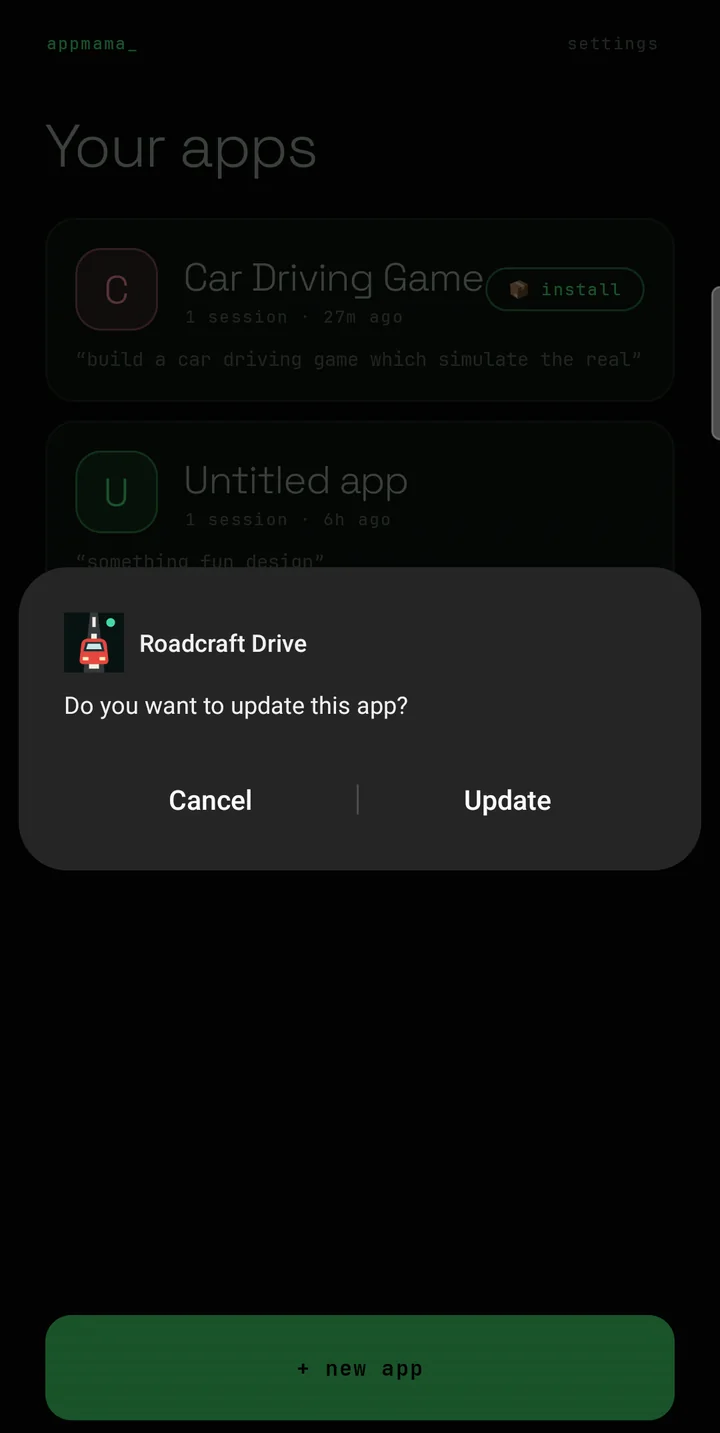
When it's ready, tap once. Android's own install screen appears, the same as for any other app, and yours lands on the home screen.
step 4 of 4
Make the buttons bigger.
Add a weekly view.
Say it
in the same conversation and you get an updated version to install
over the old one. Your apps stay yours, on your phone.
your AI
AppMama has no AI of its own and sells you nothing. Connect the service you already use and the work runs on your plan, at your rate. Switch any time, and pick the model — a quick one for small changes, a stronger one for a whole new app.
Anthropic
Your Claude subscriptionor an Anthropic API key
OpenAI
Your ChatGPT subscriptionor an OpenAI API key
xAI
SuperGrok or X Premium+or an xAI API key
OpenRouter
An OpenRouter keymany models, pay for what you use
no plan needed
Setup can switch you to one of OpenRouter's free models and open the page where you make a free key. Free models come with daily limits, so they suit trying AppMama out more than building every day — move to a plan whenever you like.
what you need
Making an app is real work, and your phone does all of it. That asks more of the device than an ordinary app does.
phone
Android 11+Most phones sold since 2020. Tablets work too.
free space
About 2 GBThe app is a large download, and your apps need room as well.
internet
While it worksOnly to reach your AI service. Nothing more to download after you install.
an AI plan
One you haveClaude, ChatGPT, Grok or OpenRouter — or OpenRouter's free models.
price
FreeNo purchase, no ads, no subscription to AppMama.
time
Minutes per appLonger the first time you start a new one.
good to know
A phone is doing a job that usually needs a laptop. Expect a few minutes for a new app, and less for a small change to one you already have.
Every app you make counts against your own subscription or key, the same as a long conversation would. AppMama adds nothing on top — but it can't make it cheaper either.
Trackers, calculators, timers, small games and tools come out well. The more you ask for at once, the more likely something comes back not quite right, so build up in steps.
Some phones pause background apps aggressively and can interrupt a long job. AppMama shows you what to change on your device the first time you run it.
privacy
Your prompts, code and apps never reach us. The app sends anonymous usage counts — which model ran, whether a build worked — so we know what to fix, and you can switch that off.
This website works the same way: no cookies, no trackers, nothing loaded from anyone else. Even the fonts come from this domain.
● live on Google Play
Install AppMama, connect your AI, and say what you want. Play keeps it updated like any other app.
On a computer?